Brand guidelines
OpenMBEE brand guidelines
How to use the OpenMBEE logo, icon, colours and typeface, with the logo files ready to download.
Primary logos
The logo works best against a dark background. This is the primary option.


Logo usage: using the icon
An icon version can be used in isolation in certain applications, for instance social media or discreet branding where repeating the primary logo would be overkill (such as in the footer of every page in a presentation).


Logo usage: clear zone
To ensure the logo stands out, keep a minimum isolation zone around it.
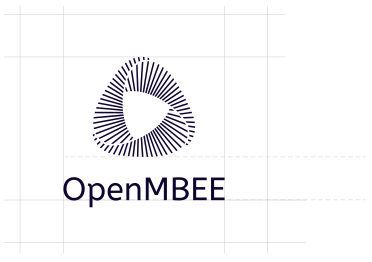
Clear zone = height of text plus space to icon
Primary colours
Dk Blue
- HEX
- #10052F
- RGB
- 16 / 5 / 47
- CMYK
- 100c / 90m / 65k
Lt Blue
- HEX
- #64DDFA
- RGB
- 100 / 221 / 250
- CMYK
- 50c / 5y
Grey
- HEX
- #D6D6D6
- RGB
- 214 / 214 / 214
- CMYK
- 14k
/* OpenMBEE brand colours */
:root {
  --openmbee-dark-blue:  #10052F;
  --openmbee-light-blue: #64DDFA;
  --openmbee-grey:       #D6D6D6;
}
Typography
The OpenMBEE typeface is ABeeZee Regular.
ABCDEFGHIJKLMNOPQRS
TUVWXYZ
abcdefghijklmnopqrstuvwxyz
Download ABeeZee from Google Fonts (open source, SIL Open Font License)
Logo variants
Single colour option without gradients:

Single colour option without gradients, for use on a white background only:

Additional graphics
Project and event graphics drawn in the OpenMBEE palette (dark blue, light blue, grey). Lettering is converted to outlines, so the files look the same on any machine.
OpenSysML badge
Round badge for the OpenSysML project (SysML v2, opensysml.org). Use it on project pages, slides and stickers.
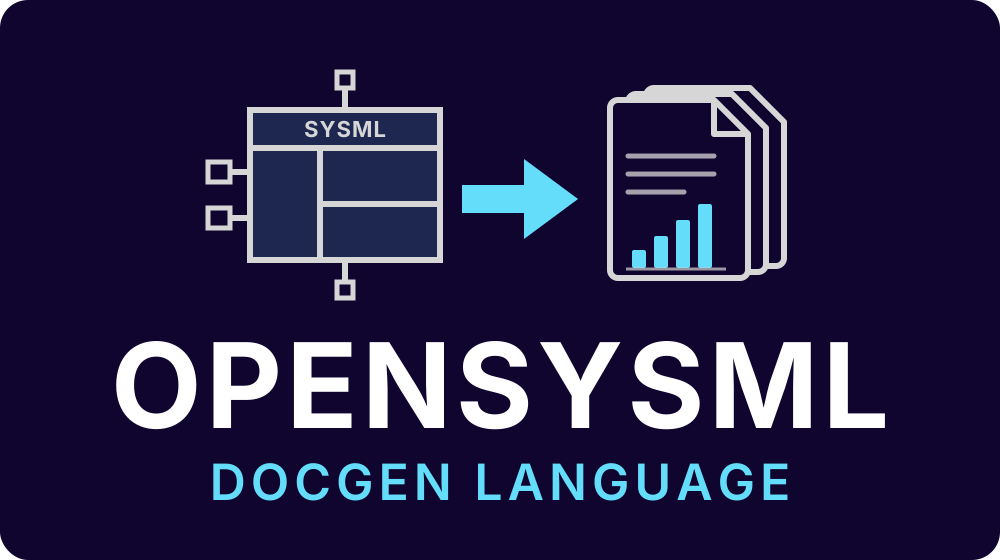
OpenSysML DocGen Language
Lockup for the DocGen language: a SysML model generating documents.
OpenMBEE 2027 Workshop at Caltech
Same badge for the OpenMBEE Workshop 2027 held at Caltech.
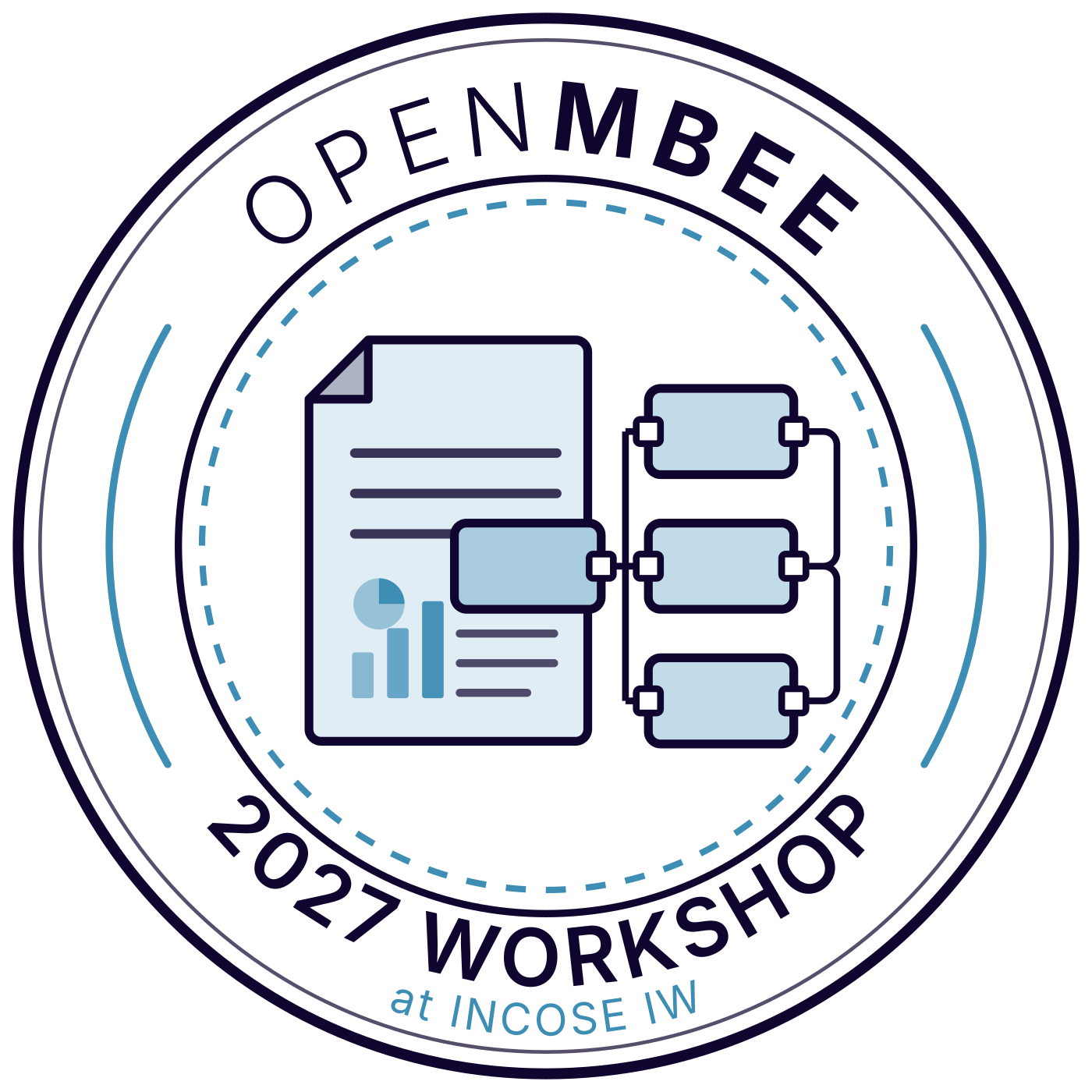
OpenMBEE 2027 Workshop at INCOSE IW
Badge for the OpenMBEE Workshop 2027 at INCOSE IW. Use it with the workshop banner and event materials.
Downloads
SVG files are vector and scale to any size. PNG files have transparent backgrounds.






Looking for OpenSysML? See the OpenSysML brand guidelines. Workshop badges are in the workshop brand guidelines. Brand guidelines designed by Robert Sheppard Design Limited. This page is an HTML conversion of the original PDF in the OpenMBEE branding repository.