
Workshop brand
OpenMBEE workshop brand guidelines
How to use the OpenMBEE Workshop 2027 badges, one for INCOSE IW and one for Caltech, on the web, slides and printed material. It follows the OpenMBEE brand guidelines: same palette and typeface.
Workshop badges
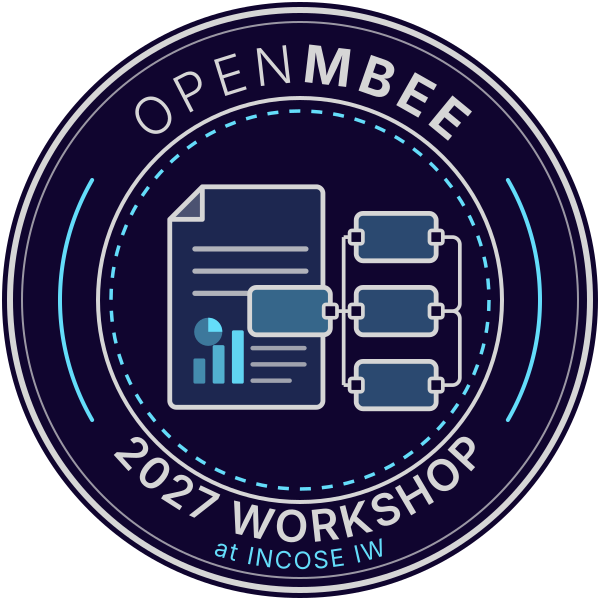
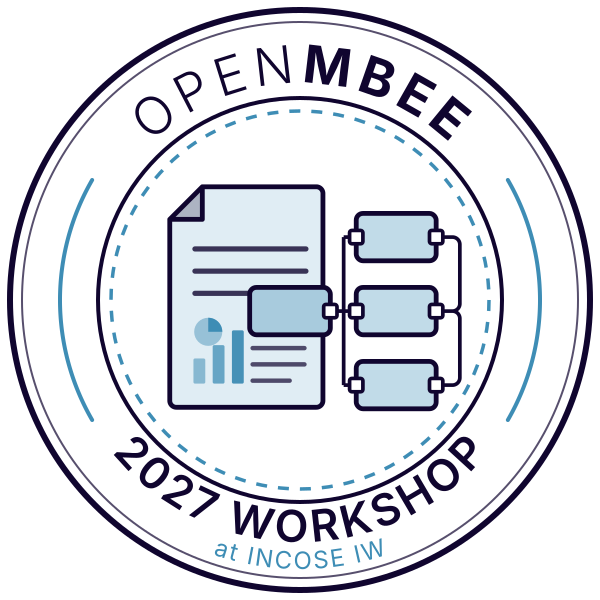
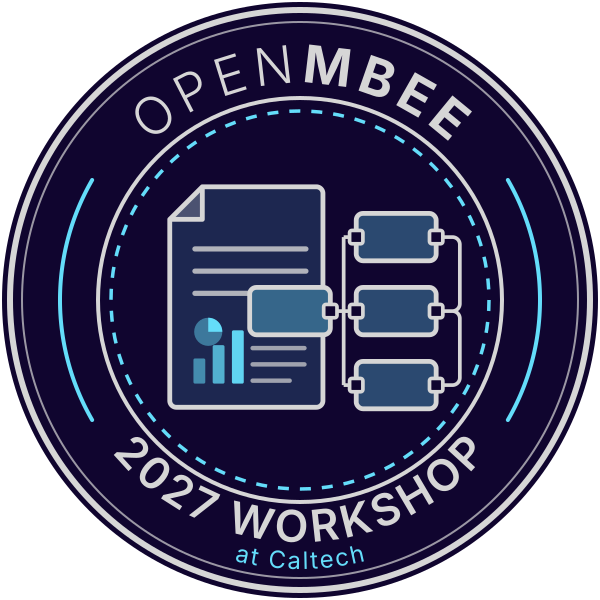
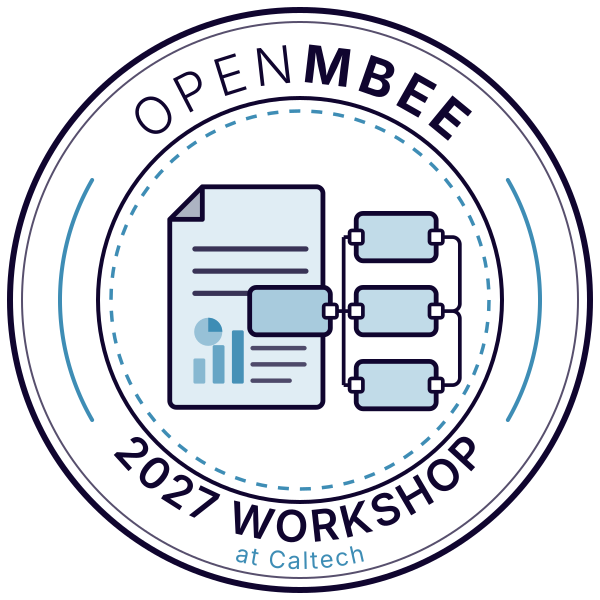
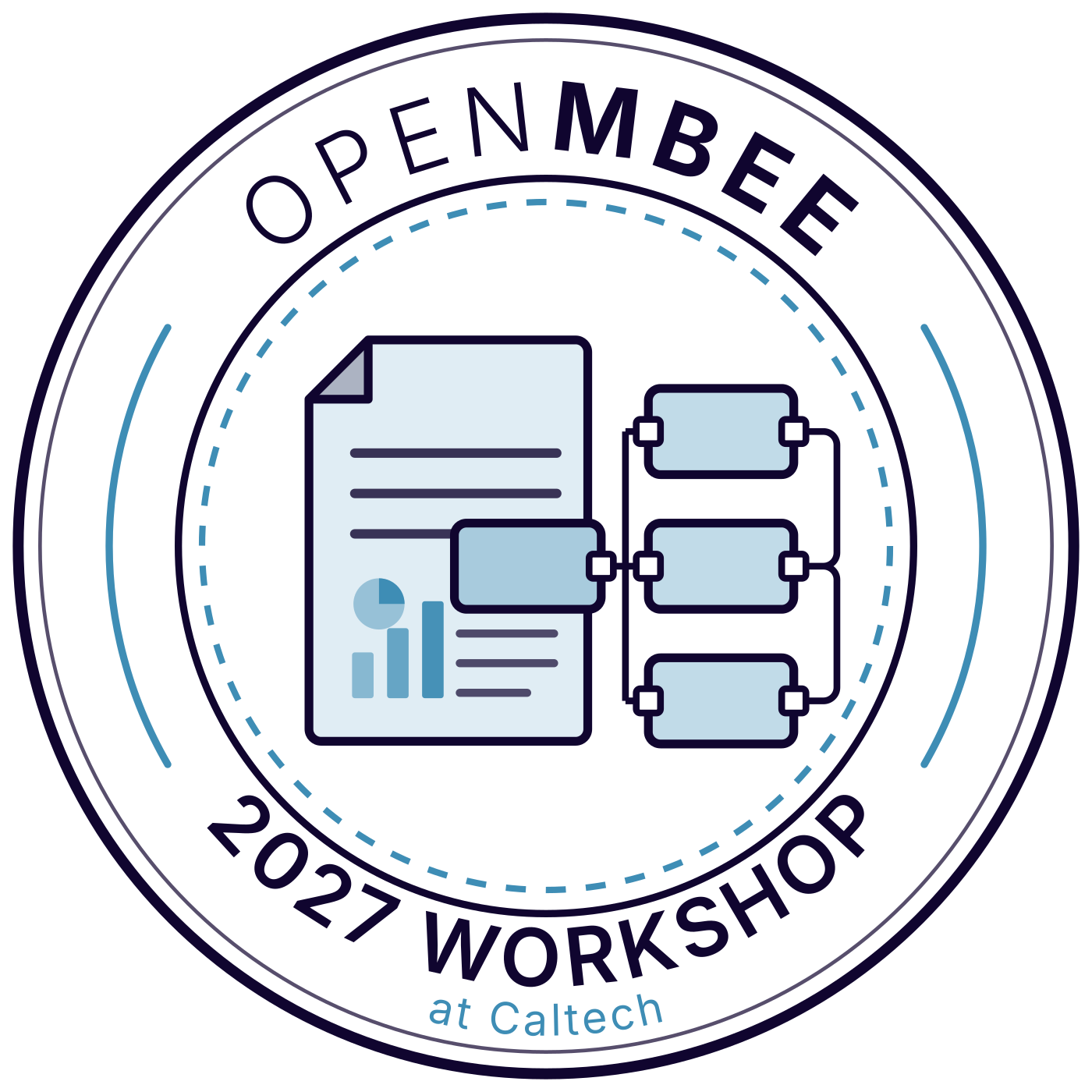
The badge shows a document linked to a set of model blocks: engineering information generated from, and connected to, the model. The lettering follows the logo wordmark, with OPEN in a light weight and MBEE in bold. The two badges are identical except for the venue line. Each comes in a version for dark backgrounds and one for light backgrounds.
OpenMBEE 2027 Workshop at INCOSE IW
OpenMBEE 2027 Workshop at Caltech
Clear space and minimum size
Keep a margin of at least x around the badge, where x is one eighth of the badge width. Keep other logos, text and page edges outside it.
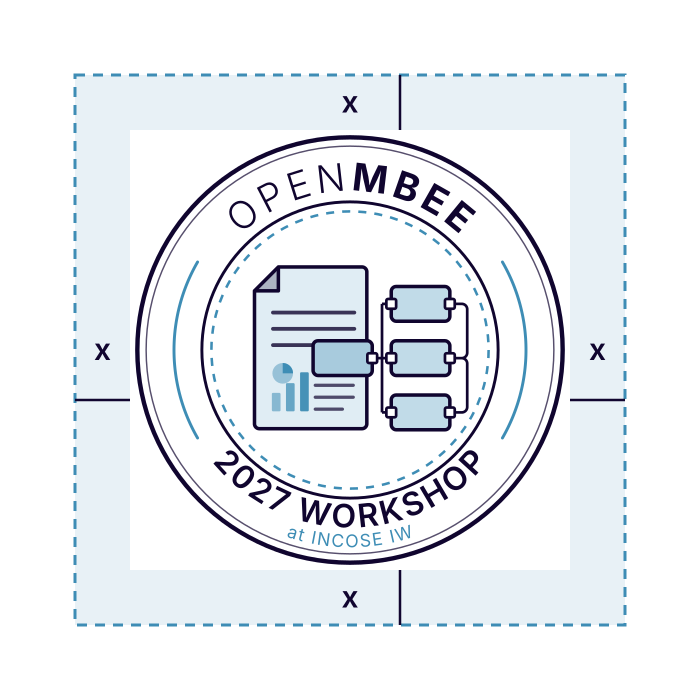
x = 1/8 of the badge width
- Minimum badge size: 96 px on screen, 25 mm in print. Below that the venue line stops being legible; use the OpenMBEE icon or plain text instead.
- Always scale proportionally.
Colours
The three OpenMBEE primary colours, plus one accent for light backgrounds, where the light blue is too pale to read.
Dk Blue
- HEX
- #10052F
- RGB
- 16 / 5 / 47
- Use
- Backgrounds, text on light
Lt Blue
- HEX
- #64DDFA
- RGB
- 100 / 221 / 250
- Use
- Accents on dark backgrounds
Grey
- HEX
- #D6D6D6
- RGB
- 214 / 214 / 214
- Use
- Rings, text on dark
Accent (light)
- HEX
- #3E8DB5
- RGB
- 62 / 141 / 181
- Use
- Accent on white or light backgrounds
/* OpenMBEE workshop colours */
:root {
  --openmbee-dark-blue:  #10052F;
  --openmbee-light-blue: #64DDFA;
  --openmbee-grey:       #D6D6D6;
  --openmbee-accent:     #3E8DB5; /* light backgrounds only */
}
Typography
Use ABeeZee Regular, the OpenMBEE typeface, for workshop headings and body text. The lettering inside the badges is already converted to outlines, so it needs no font.
OPENMBEE
2027 WORKSHOP
at INCOSE IW · at Caltech
Download ABeeZee from Google Fonts (open source, SIL Open Font License)
Usage
Do
- Use the badge that matches the venue you are promoting: INCOSE IW or Caltech.
- Use the dark version on dark or photographic backgrounds with enough contrast, and the light version on white or pale backgrounds.
- Write the name as OpenMBEE Workshop 2027 in running text.
Don’t
- Recolour, stretch, rotate or add shadows or effects.
- Edit the year or venue text, or merge the two badges.
- Put the light version on a dark background, or the dark version on a pale one.
- Use the badge for other events without permission.
Downloads
SVG files are vector and scale to any size. PNG files are 1400 px wide; the dark badges have a navy disc built in.
Download all workshop files (ZIP)
These guidelines extend the OpenMBEE brand guidelines, designed by Robert Sheppard Design Limited. The workshop artwork was drawn for this site in the same palette. INCOSE and Caltech names are marks of their owners; the badge uses them only to name the venue.